The Drowsy's Mystery
2nd year tech art escape game project
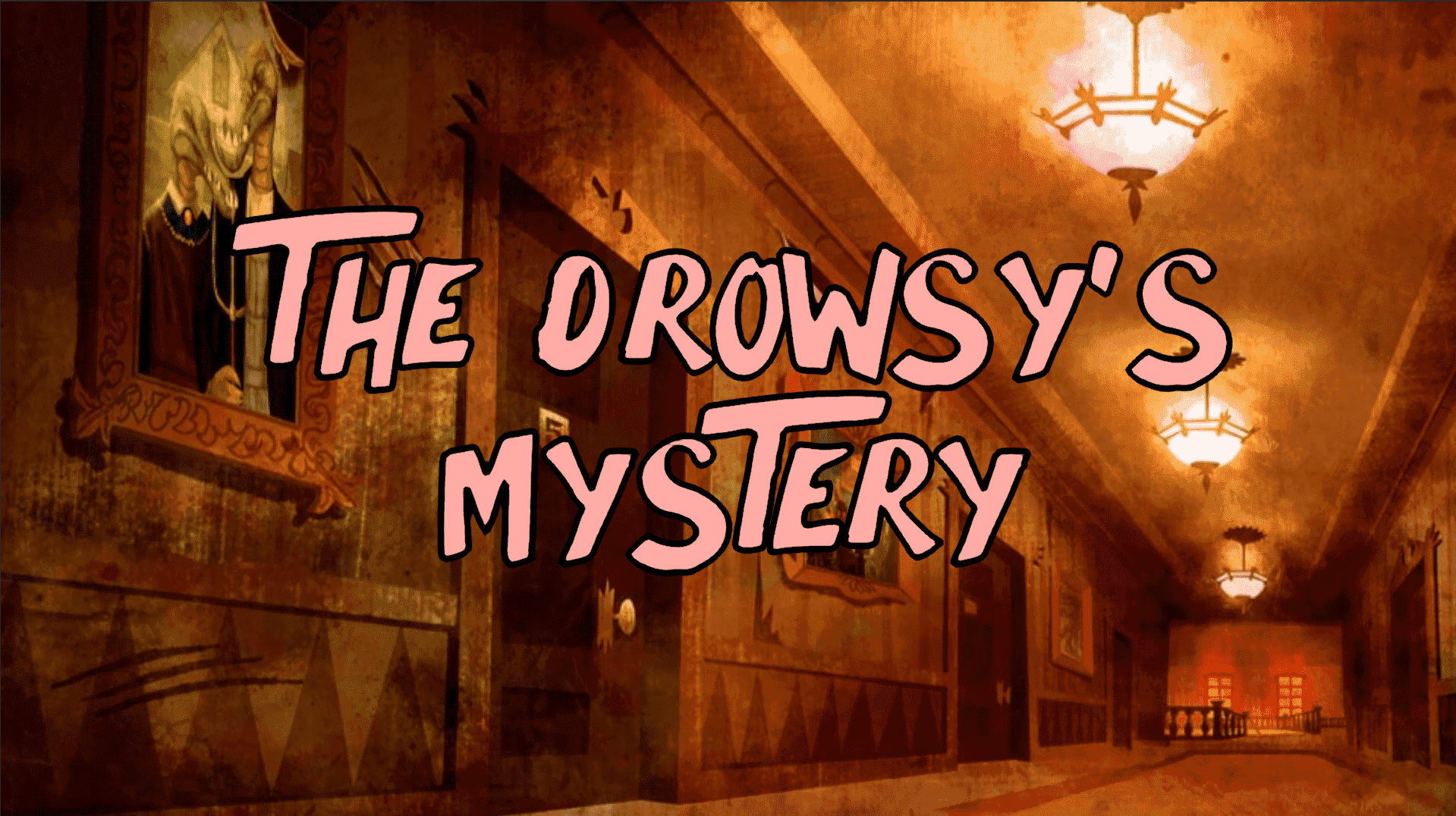
At the beginning of our second year in Tech Art, we had to create a mini escape game in teams of two or three. The brief was simple: build a prototype in Unity in first-person view, set in a single room, with six interactions (three passive and three active). The art direction had to draw from a 2D animated series, translated into 3D.
We were a team of three, and we chose to take inspiration from the animated series Scooby-Doo! Mystery Incorporated. Beyond the art direction, we also decided to embrace the show's universe: the player takes on the role of Shaggy, entering a hotel in search of Scooby. To progress, they must explore the lobby and find the combination to a small safe sitting on the reception desk.
I invite you to try the game before reading on if you want to solve the puzzle yourself. A gameplay video is available at the bottom of the page showing how to complete the game.
(Requirements: Windows 10 or later)
Download Windows zipOn this project, I handled all of the game's programming, from the character controller to the player interactions. We worked together on the VFX, sound design and level design, but everything related to game logic, interaction systems and in-game behaviours was my responsibility. Two mechanics required particularly involved work: the chandelier fall and the padlock opening.
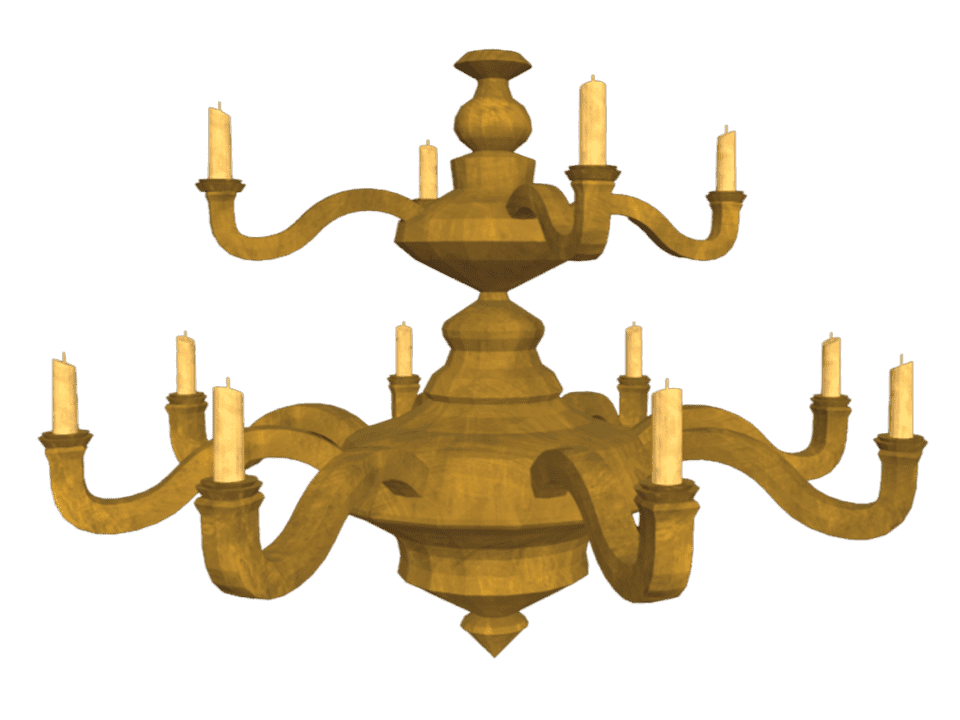
In the game, a chandelier falls in front of the player to block their path and reveal a note essential to solving the puzzle. To achieve a lightweight result consistent with our cartoon style, we pre-split the mesh into several pieces. I then set up a system combining rigidbodies, triggers and custom scripts. The chandelier hangs in place using a kinematic rigidbody, then when the player enters the trigger zone, physics activates. On impact, each piece is de-parented and gets its own physics, allowing for a believable fall, bouncing if the player touches a piece mid-fall, and eventually returning to a static state once the simulation ends. The main challenge was timing: if the player moved too quickly, they could pass under the chandelier mid-fall and get trapped. It was also important to prevent collisions from disturbing the note on top, which would otherwise become impossible to pick up.
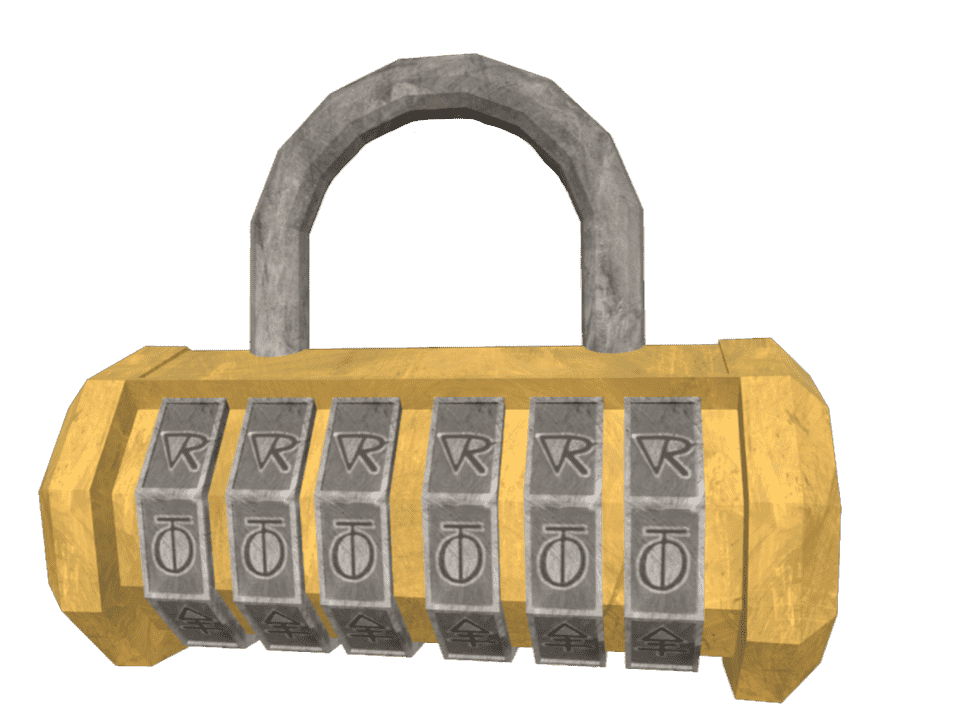
The padlock is made up of six wheels, a body and a shackle. In the game, each wheel actually rotates, and the combination is read after every movement. The player can only spin the wheels in one direction, as many times as they like. I therefore had to manage rotation in degrees with an error margin to compensate for Unity's imprecision, and ensure the game correctly detected each full 360° turn. This allowed the combination to be calculated correctly without hard-coding every possible position. Once the correct combination is entered, an animation plays automatically: it temporarily locks the player's controls, opens the padlock and the chest, and shifts the camera to a close-up view to reveal the contents. The secondary camera is only activated at the moment of the switch to avoid unnecessary performance costs, which required careful transition handling to avoid conflicts with the character controller.
This project lasted three months, and as with every game I have worked on, I learned enormously. I am proud of the result we achieved, both technically and in terms of artistic coherence.