Pixel Art 3D Generator
Python tool for Blender
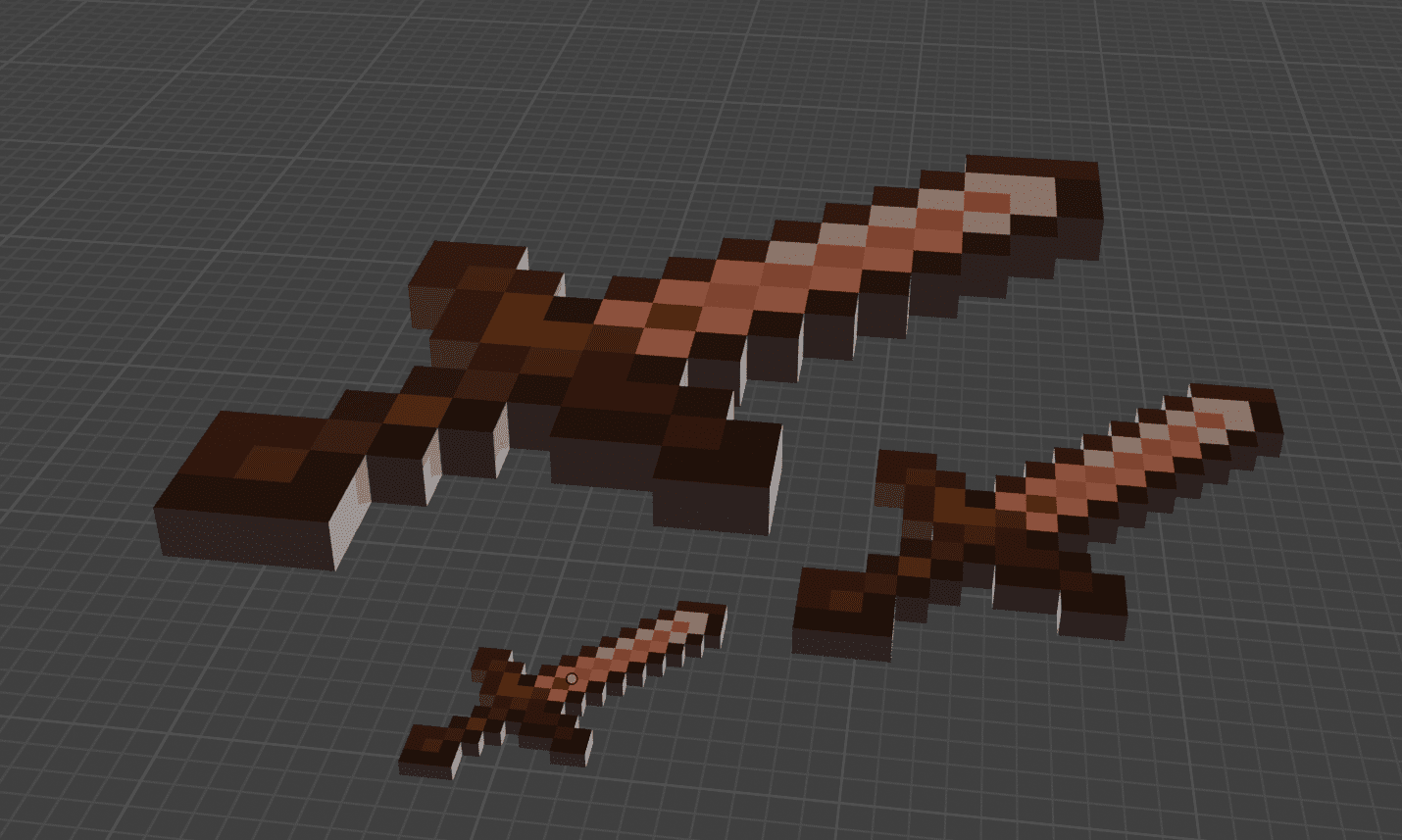
In a Python programming course, we had to create a tool capable of generating a 3D object in Blender from a JSON file. The goal was to learn how to work with Blender's Python API and to structure a simple script. I started by following that brief, but quickly wanted to go further and turn this prototype into a fully-featured add-on, capable of handling everything directly in Blender, from the 2D image to the final 3D model.
The tool works with Blender. It allows you to import an image, choose a resolution (up to 256×256 pixels, a deliberate limit to avoid overly heavy models), and then automatically generate a pixelated 3D version of that image in the scene. It can turn any image (PNG, JPEG or JPG) into 3D pixel art, but the result is noticeably better with an image that is already in pixel art style or with a simple, low-detail visual such as a logo. Since the resolution is heavily reduced to create the pixel art effect, highly detailed images lose a lot of information and produce a messier result.
Development was done in several stages, each reviewed in class with the teacher's feedback. I first wrote a script that pixelates the image according to the resolution chosen by the user. I then created a second script that converts the pixelated image into a JSON file containing the information needed to generate the model. Finally, I wrote a third script that reads that JSON and generates the corresponding 3D model in Blender. Those three scripts formed the core of the assignment.
The part that went beyond the course requirements came next. I assembled those three scripts into a complete add-on with a dedicated interface in the N-panel and a fully automated generation process, without any external files. To make the tool self-contained, I bundled the Pillow library directly into the add-on, since Blender does not have native access to it and can conflict with other versions installed in its virtual environment. The add-on is therefore stable, portable and ready to use immediately with no extra configuration.
Once installed, the tool lets you select an image, choose a resolution, and then automatically generate a voxelised model with a single material per object. To install it in Blender, go to Edit > Preferences > Add-ons, click Install from disk, select the provided .zip file, then enable the add-on in the list.